Workshop basics
Why a downloaded 3D model can print at the wrong size
A download page can show an attractive model without answering a simple question: how big should the finished object actually be? A number in a filename, a size percentage or a screenshot without units can leave room for a misunderstanding.
Before requesting a customer model-file print, separate three things: the model's units, your intended finished dimensions and any measurement that must stay fixed. This guide explains those checks; it does not promise that a particular file, size or fit can be produced.
Say what the measurement belongs to
The size of a finished object, the space available on a shelf and the dimensions shown in a model viewer are not interchangeable. Label them separately. If you send a screenshot, explain whether a marked line measures the whole object, its base or just one feature.
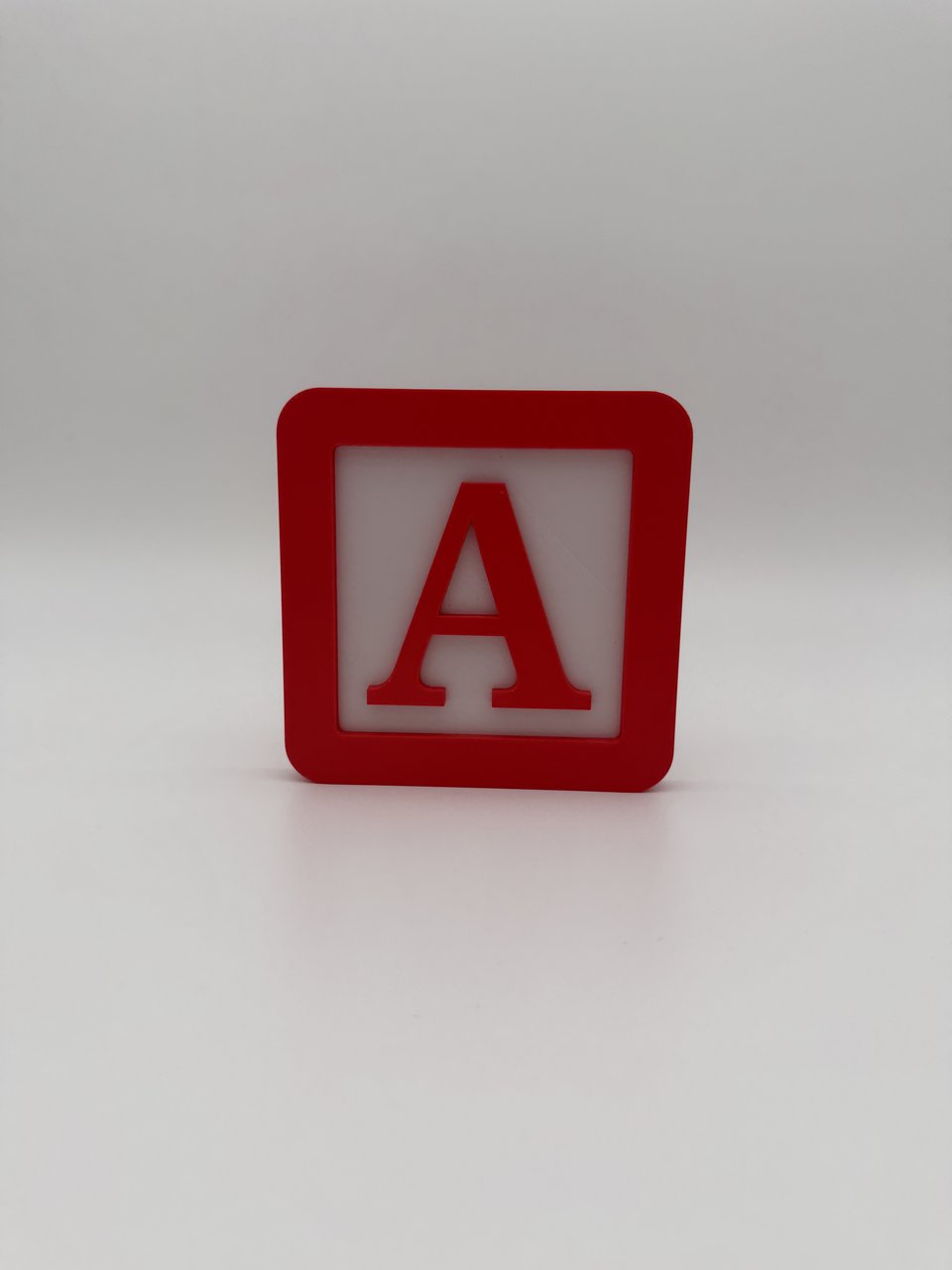
Write width, depth and height with units rather than sending three unexplained numbers. For an irregular shape, explain which edges or points you measured. A clear reference photo or sketch can help communicate that intention, but a perspective photo alone is not a dimensional drawing.
The file extension does not settle the intended size
Autodesk's documentation describes STL as a unitless surface format. A coordinate value does not independently tell the receiving software whether the intended length was in millimetres or inches. The export and import interpretation therefore matters; changing the filename to include a unit is not the same as checking the model's interpreted dimensions.
3MF can carry an explicit model unit: its published core specification defines that field and a millimetre default. That extra information is useful, but it is not proof that the creator chose the size you want or that a particular file will work in every application.
Keep the original file and download-page information, and include any unit information the designer provides. If you do not know the units, say so rather than guessing. These format examples are background, not a list of file formats BerryBroCreations guarantees to accept; Jon reviews compatibility for the specific request.
Autodesk's description of 3MF, STL and export units →
3MF Consortium core specification, model-unit definition on page 12 of the PDF →
A smaller model does not preserve every original measurement
Uniform resizing changes all three axes by the same proportion. Non-uniform resizing changes axes independently. Prusa's own tool documentation distinguishes these operations; mentioning it here does not imply that Jon uses that software.
Consider a hypothetical digital model of a decorative display, 100 mm high with a 60 mm-wide base. Uniformly scaling it to 80% makes the model 80 mm high and the base 48 mm wide. This is a geometry calculation, not a real product measurement or a promise about a finished print.
If the base must remain 60 mm wide, a simple uniform reduction does not meet both requirements. Ask whether a design change is feasible instead of treating a resize percentage as a complete brief. Independently changing one axis can also change the shape's proportions.
If an opening, adjoining piece or other feature matters, identify it explicitly. This guide does not supply a universal clearance, tolerance or guaranteed fit. The intended use and any fit-sensitive requirement need review before the project is agreed.
Identify the exact version and which parts you mean
A project page may offer several versions or separate pieces. Send the original page link and identify the files or version you want reviewed. Explain whether your target dimensions describe one piece or the assembled display, and how many finished pieces you need.
Do not rely on a screenshot of the finished assembly to specify every component. If the instructions contain an intended scale, an assembly note or a stated dimension, point it out with the request. That is useful context, not evidence that the project is automatically printable.
Only share files you have permission to reproduce. For a confidential model, contact Jon first to arrange a suitable transfer rather than assuming a public file-sharing link is appropriate.
Make a short size-check note before asking for a quote
You do not need to resolve every technical question yourself. A useful note separates the facts you know from the choices that still need checking:
- The source page, file version and the pieces you want reviewed.
- The intended finished width × depth × height, with units, and whether those numbers apply to one piece or an assembly.
- Any original unit or size information supplied with the model; label unknown information as unknown.
- Which measurement is flexible and which must stay fixed, with a reference sketch or clearly labelled photo where useful.
- The intended use, quantity and any size-related concern, such as fitting within an existing display space.
An example that makes the conflict clear
Here is a hypothetical request, not a customer's order: “The designer lists this decorative display model as 100 mm high with a 60 mm-wide base. I want the model no more than 80 mm high, but I would like to keep that 60 mm base width. I understand that a uniform 80% resize would reduce the base to 48 mm. Could you review whether the design can be changed, or suggest which constraint needs to move? I have included the original page and the exact version.”
That brief exposes the decision instead of hiding it inside ‘make it smaller’. It is still an enquiry, not an accepted design, a fit guarantee or a reserved production slot.
BerryBroCreations accepts customer model-file printing enquiries and custom design requests. Jon confirms compatibility, feasibility, material requirements, price and timing for the project before you commit. Free Whitby pickup is by appointment after readiness is confirmed; custom delivery arrangements are agreed with the quote.
Sources & scope
- Autodesk Fusion Help: 3D print a design
Primary software documentation describes STL as unitless and 3MF as able to represent units. Used only for format terminology, not to claim any particular software or accepted format at BerryBroCreations. Opened November 17, 2026.
- 3MF Consortium: Core Specification v1.3.0, section 3.4
Section 3.4, on PDF page 12, defines the model unit field and its millimetre default. This is format background, not a file-compatibility or manufacturing guarantee. Opened November 17, 2026.
- Prusa Knowledge Base: Move, Rotate, Scale tools
Primary documentation distinguishes uniform and non-uniform scaling. The 100/60/80/48 mm calculation is an explicitly hypothetical geometry example, not a product test, customer project or measured print. Opened November 17, 2026.
- BerryBroCreations: Custom 3D printing in Whitby and Durham
Current service page checked November 17, 2026: customer model-file printing, custom design, project-specific review and appointment-only pickup. No new materials, build volume, tolerances, accepted formats or lead-time guarantees are introduced.
Prepared with AI assistance and published November 17, 2026 with the owner’s approval. The linked primary sources and current service information were rechecked before publication. The size-check note is a planning aid; the numerical display example and enquiry are hypothetical, not workshop experience, product measurements or customer results. File compatibility, feasibility, price and timing require project-specific review.
Your project, with clear next steps
Turn the reading into a useful brief.
Send Jon the idea, finished size, quantity and intended use. Feasibility, price and timing are confirmed before you commit.
Discuss your model-file printing request →